
How to Create a Zine: Bring Your Story to Life
with Murray Livingston – Wednesday 18th March 2026 at 7pm (UK & Ireland)Check start time in your local Time Zone
Number of Live Lessons: 1 – Lesson Duration: 120 mins
Bring your story to life by learning how to create your very own photo zine.
In this class, Murray Livingston teaches the ins and outs of publishing a body of work in an achievable format, images selection and narrative, file preparation and printing, colour management, and of course cost and distribution (if you want to sell your own!).
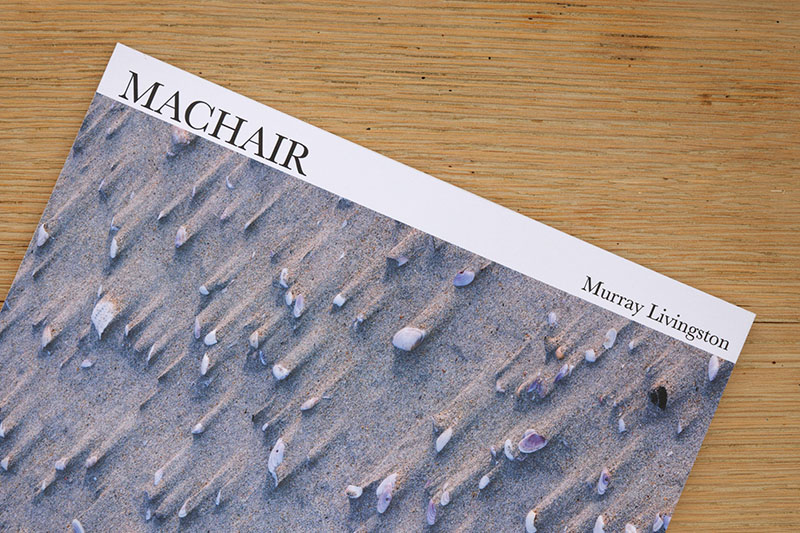
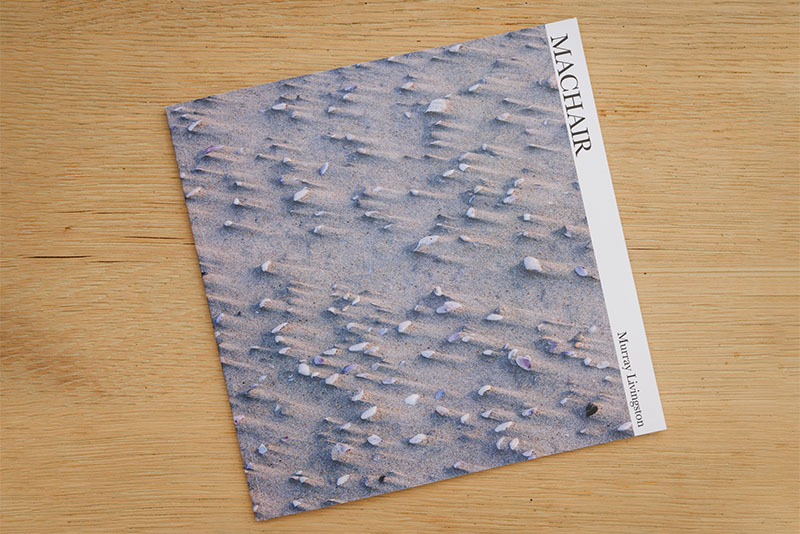
This online presentation is designed as a workshop to get you from zero experience to beautifully printed zines as quickly as possible.
What you will learn
- What, exactly, is a zine?
- Image selection & sequencing
- Basics of setting up an Affinity document and exporting for publishing
- Zine design and layout
- CMYK colour management and conversion process
- How to build a successful narrative to tell your story
- Printing advice
- Costs and distribution for self-publishing a zine
Meet the Instructor – Murray Livingston
We are delighted to welcome Murray Livingston to the PhotoClub247 team.
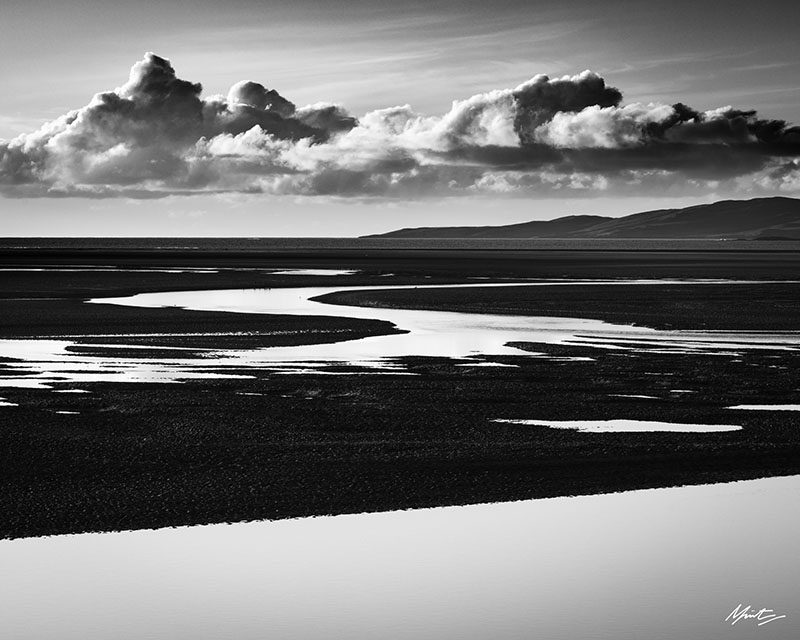
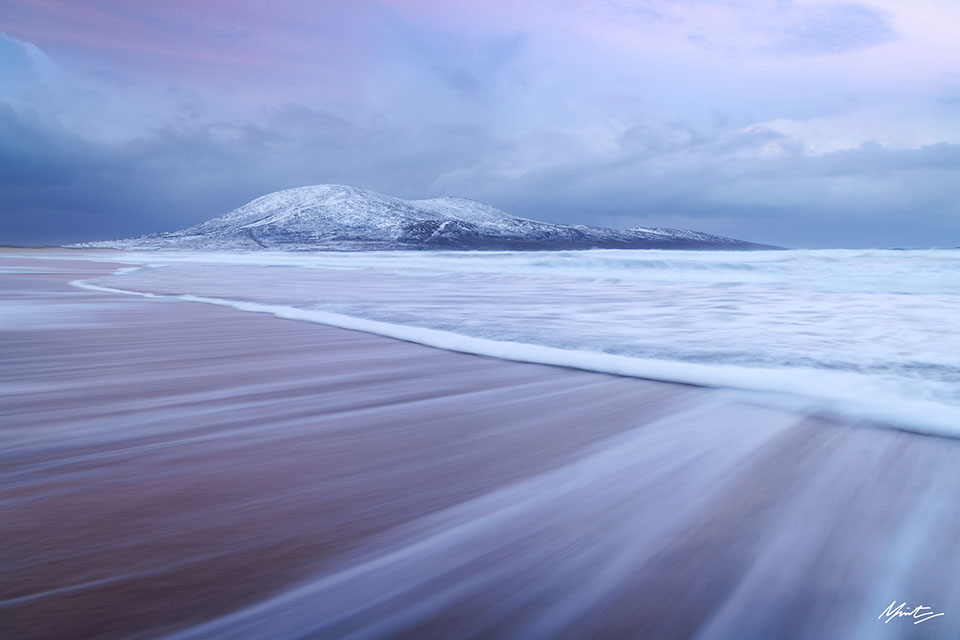
Murray is a full-time professional nature and landscape photographer, educator, and workshop leader with more than 15 years of image making experience.
Murray photographs all aspects of the landscape through long-term photographic projects in Scotland, where he is based most of the year in a self-built Campervan, and his home country of South Africa.
He is a deep thinker with interests in adventure & conservation, both of which he strives to communicate and teach through a deeply contemplative and introspective approach to photography.

Book your place NOW!
with Murray Livingston – Wednesday 18th March 2026 at 7pm (UK & Ireland)Members: £15.00 GBP | €17.40 EUR* | $20.45 USD*
Non Members: £30.00 GBP | €34.75 EUR* | $40.95 USD*
Places limited to 50 students
Live Lesson + 1 Year access to recording
Live Lesson + 1 Year access to recording (non members)
* Your purchase will be processed & charged in £ GBP – prices shown for € EUR & $ USD are provided only as an estimate
Frequently Asked Questions
If you have any further questions in advance of booking a place on this class, please get in touch. Always happy to help!